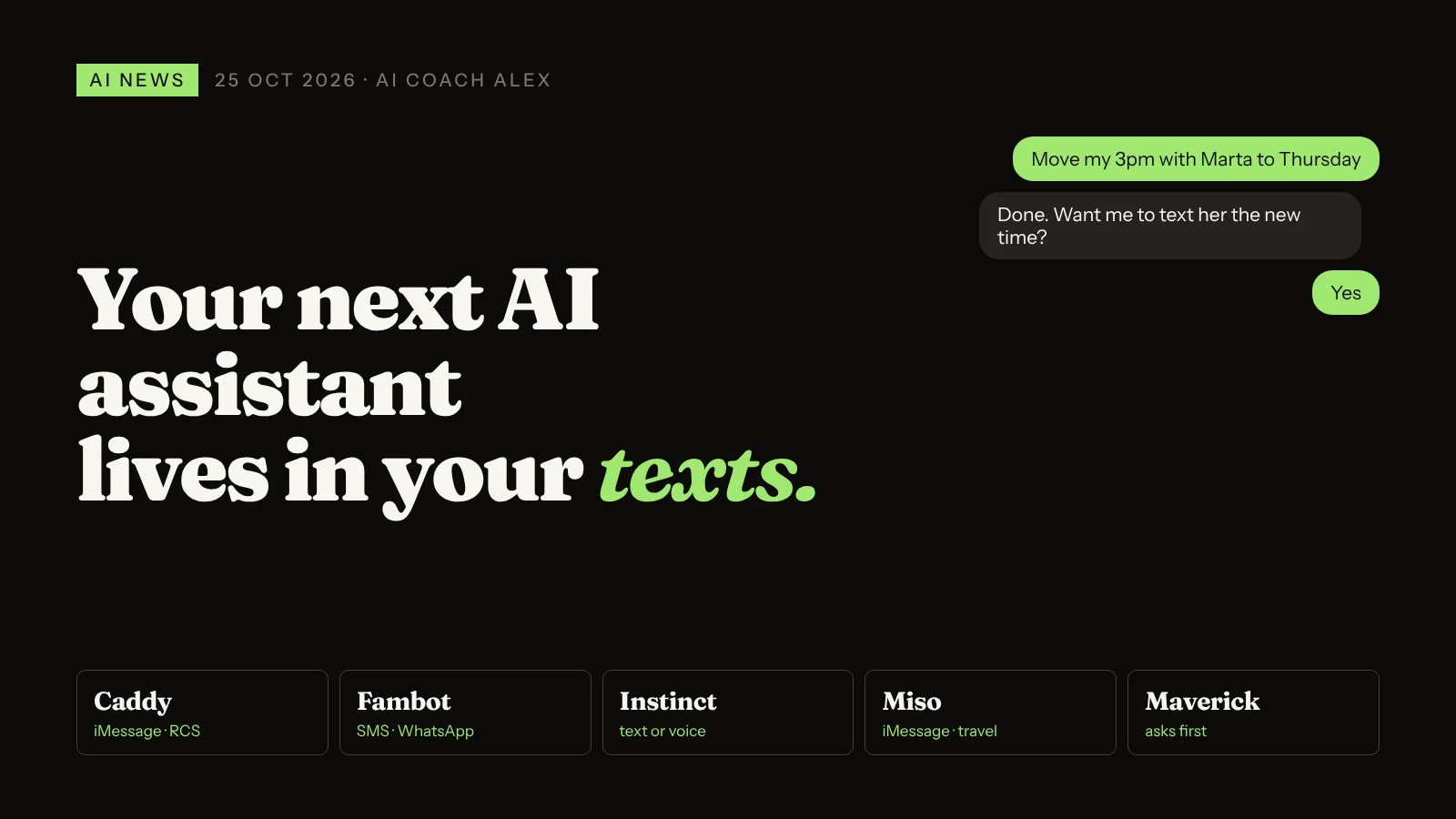
On 24 October 2026 TechCrunch published a roundup of AI agents that work inside ordinary text messaging (iMessage, WhatsApp, Telegram, SMS) instead of a separate app. You send a message, and the agent remembers context, connects to the apps you already use and completes tasks such as booking appointments, managing your calendar or sending emails. Instinct, valued at $10 billion, is the best known. For you, it means a personal assistant you can reach from the app you open most, as long as you decide carefully what it's allowed to touch.
Most of my clients don't have an "AI habit" problem. They have an "I forget to open the app" problem. ChatGPT or Claude sits in a tab, and the moment something needs doing, they're in WhatsApp or their messages instead.
So this weekend's news caught my attention. A whole category of assistants has decided to go where people already are: the text thread.
What are AI agents that live in your text messages?
In its roundup on 24 October, TechCrunch describes a growing group of agents you reach by texting rather than through their own app. They keep context between messages, plug into tools you already have and take actions, not just answer questions. The best known, Instinct, is valued at $10 billion, but many competitors are going after the same space.
Here are five of the examples TechCrunch covers, in plain English:
| Agent | Where you use it | What it does |
|---|---|---|
| Caddy | iMessage, RCS (Android) | Scans your calendar and conversations for things that need action; adds events, sets reminders, tracks follow-ups |
| Fambot | App and SMS | Family organiser: nightly summary of tomorrow's events and to-dos; reply to change the calendar. Connects to Gmail, Google Calendar, Outlook, WhatsApp |
| Instinct | Text or voice | Takes actions across email, calendar and Google Workspace: trip planning, groceries, tickets, cancelling subscriptions |
| Miso | iMessage | Travel assistant with a human travel team behind it; books flights with your preferences and loyalty points in mind |
| Maverick | Your texts | Cancels subscriptions, schedules meetings from voice notes; asks permission before acting. Works with Gmail, Slack, Discord |
How does a text-message AI agent work?
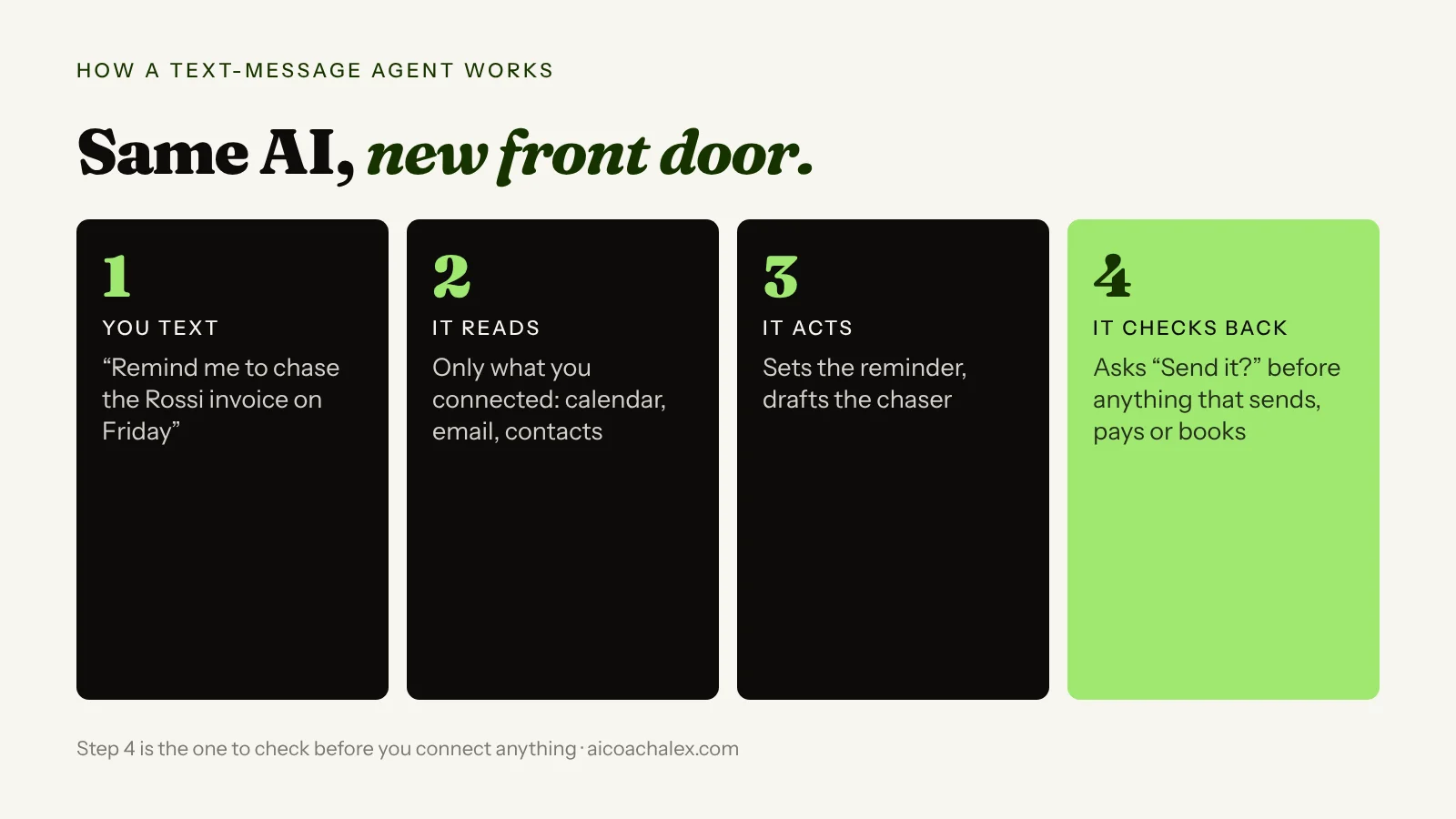
The model behind it isn't new. What's new is the front door. Instead of opening a chat app, you send a normal message. Behind the scenes the agent has been given access to things like your calendar or inbox, so it can read what's relevant, do the task and reply in the same thread. Some, like Maverick, ask before acting. Others act more freely. That difference is the single most important thing to check.
Why it matters to you
- Lower friction means you'll actually use it. The best assistant is the one you reach for in the moment. A voice note in WhatsApp while walking to a meeting is faster than any app.
- It's the admin layer of your day. Reminders, rescheduling, follow-ups, subscriptions, travel. That's exactly the small-business owner's invisible second job.
- Access is the real decision. An agent that reads your email and calendar knows a lot about you and your clients. The convenience is real, so is the exposure.
How to try a text-message AI agent safely this week
- Pick one job, not your whole life. Start with something low-risk: a daily summary of tomorrow's calendar, or reminders for follow-ups. Not payments, not client email.
- Connect the minimum. If the job is "remind me", the agent doesn't need your inbox. Give it the calendar only and add more later if it earns it.
- Choose agents that ask before acting. For anything that sends, books, pays or cancels, you want a confirmation message first. Check this in the product's settings before you connect anything.
- Keep client data out at first. If you handle client, patient or financial information, check your contracts and your rules before letting a new consumer service read it. More on why below.
- Write your house rules once. Most of these agents accept instructions. Send them the brief below as your first message.
- Review weekly. Ask the agent what it did this week. Disconnect any app you didn't actually need.
Copy this prompt: house rules for your texting assistant
Send this as your first message to any AI agent that works in your texts (or paste it into ChatGPT or Claude to get the same behaviour there). Fill in the brackets.
Here are my house rules. Follow them in every conversation.

WHO I AM: [your job, e.g. freelance designer with 6 regular clients]
WHAT I WANT YOUR HELP WITH: [e.g. calendar, reminders, follow-ups, travel]

YOU MAY, without asking:
- read my calendar and tell me what's coming up
- set reminders for me
- draft messages and emails for me to review

ALWAYS ASK ME FIRST (and wait for "yes") before you:
- send any email or message to another person
- book, cancel or pay for anything
- change or delete an existing calendar event
- share any information about my clients

NEVER: [e.g. read client folders, contact my clients directly]

STYLE: keep replies short, one question at a time.
Every Sunday evening, send me a 5-line summary of what you did this week.
"Remind me to chase the invoice" goes into your head, and stays there until it's late.
You text it while walking. The agent sets the reminder, drafts the chaser and asks before sending it.
If you want to understand what sits around the model in these products, the memory, tools and checks, read What is an agent harness? And yesterday's post on Claude's auto mode covers the same question from the other side: when should an AI act without asking?
Want a personal assistant that actually knows your rules?
In a 49€ diagnostic call we pick the admin you should hand off first, choose the right tool for it and write your house rules together, so the assistant saves you hours without touching what it shouldn't.
Book a 49€ diagnostic →Also today in AI
A hospital breach caused by one upload to a public AI tool
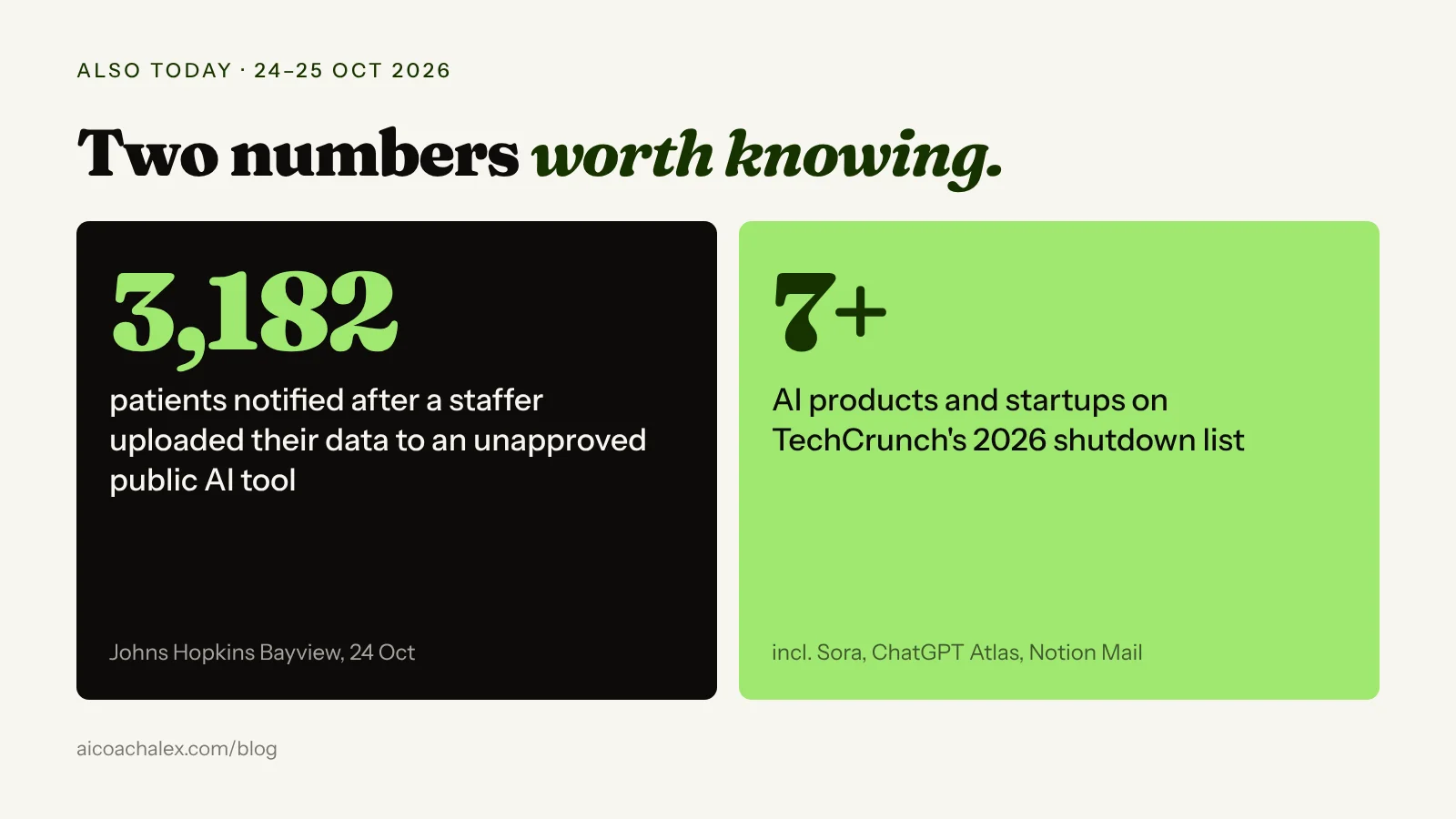
Johns Hopkins Bayview Medical Center is notifying 3,182 patients after a staff member uploaded their data to an unapproved public AI tool, as summarised by AI Weekly. No hacker needed: one well-meaning copy-paste was enough.
What it means for you: this is the risk in step 4 above. Before you or your team paste client data into any AI tool, check it's an approved tool with the right data settings. If you employ people, write a one-page "what can go into AI" rule this week.
The AI graveyard: Atlas, Sora and Notion Mail are gone
TechCrunch's running list of 2026 shutdowns includes OpenAI's Sora app (March), the ChatGPT Atlas browser (9 August, with its best features folded into ChatGPT), the Zapier-style tool Relay, and Notion Mail, which Notion closed after seeing users manage email with separate AI agents instead.
What it means for you: don't build your business on a single new AI app. Keep your prompts, rules and files somewhere you own, so switching tools takes an afternoon, not a month.
FAQ
What is an AI agent in text messages?
It's an AI assistant you reach by sending a normal message in iMessage, WhatsApp, Telegram or SMS instead of opening a separate app. It keeps context between messages, connects to apps such as your calendar or email and can take actions like setting reminders, scheduling meetings or booking travel.
Which AI agents work in iMessage or WhatsApp?
TechCrunch's October 2026 roundup lists more than 25. Examples include Caddy (iMessage and RCS), Fambot (app and SMS, connects to WhatsApp), Instinct (text or voice), Miso (iMessage, travel) and Maverick (texts, asks permission before acting).
Is it safe to give an AI agent access to my email and calendar?
It can be, if you limit access to what the task needs, choose agents that ask before sending, booking or paying, and keep sensitive client data out until you've checked the product's data policy and your own obligations.
What should I use a texting AI assistant for first?
Low-risk admin: a daily summary of tomorrow's calendar, reminders and follow-ups, or draft replies you review before sending. Leave payments and client communication for later.
What happened at Johns Hopkins Bayview?
According to reports on 24 October 2026, the hospital is notifying 3,182 patients after a staff member uploaded their data to an unapproved public AI tool.
Which AI products shut down in 2026?
TechCrunch's list includes OpenAI's Sora app, the ChatGPT Atlas browser, Relay, Yupp, Huxe and Notion Mail, while Character.AI filed for bankruptcy in October 2026.
Hand off the admin. Keep the control.
One-to-one coaching for professionals and business owners: we set up your personal AI on your real tasks, decide what it can do alone and what waits for you, and keep your data where it belongs.
Book a 49€ diagnostic → Personal AI SetupSources: TechCrunch on AI agents in text messages (24 Oct 2026); TechCrunch's AI graveyard (24 Oct 2026); AI Weekly (25 Oct 2026); Baltimore Sun (24 Oct 2026). Recommendations from my own coaching work.